
How to Make a Timeline in Word (3 Ways)
Make a timeline in Microsoft Word with SmartArt, a table, or an image from a timeline maker. Step-by-step instructions and layout tips.
How to Make a Timeline in PowerPoint
How to make a timeline in PowerPoint with SmartArt, with shapes, or by exporting a project timeline as an image. Steps, a template and design tips.
How to Make a Timeline in Google Slides
Make a timeline in Google Slides with the built-in timeline diagram, with shapes, or with an image from a timeline maker. Steps and design tips.
How to Make a Timeline in Google Docs
Three ways to make a timeline in Google Docs: the Drawing tool, a table, or an image from a timeline maker. Step by step, with tips for a clean result.
How to Make a Timeline in Excel (2 Ways)
How to make a timeline in Excel with a scatter chart or conditional formatting, plus a free Excel project timeline template you can download.
How to Make a Timeline for a Project
How to make a timeline for a project or an event in 5 steps, with an example, the tools to use (online, Excel, PowerPoint, Docs) and mistakes to avoid.
How to Make a Gantt Chart in PowerPoint
Three ways to put a Gantt chart in PowerPoint: a stacked bar chart, a table, or an export from a Gantt tool. Steps, a free template and tips.
How to Make a Gantt Chart in Google Sheets
Make a Gantt chart in Google Sheets three ways: a stacked bar chart, conditional formatting, or one SPARKLINE formula. Free template and examples.
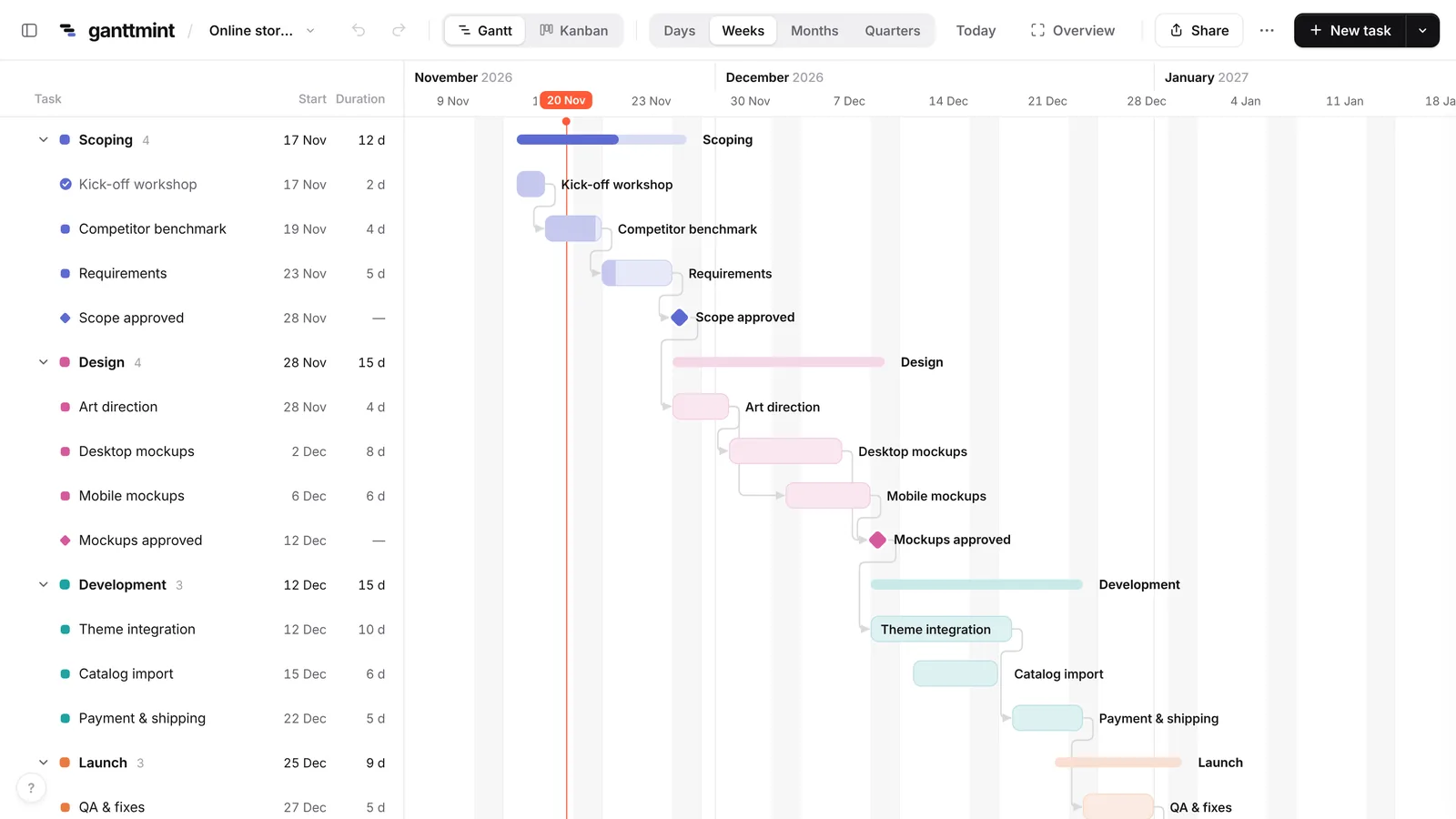
How to Make a Gantt Chart in Excel (Step by Step)
Build a Gantt chart in Excel with a stacked bar chart or conditional formatting, step by step. Plus a free Excel template and a faster way to do it online.
How to Make a Gantt Chart in 6 Steps
How to make a Gantt chart in 6 steps: list tasks, set durations, link dependencies, add milestones. With an example, free tool and Excel option.